Instagram Bio Generator: Create Amazing Profile Bios Easily
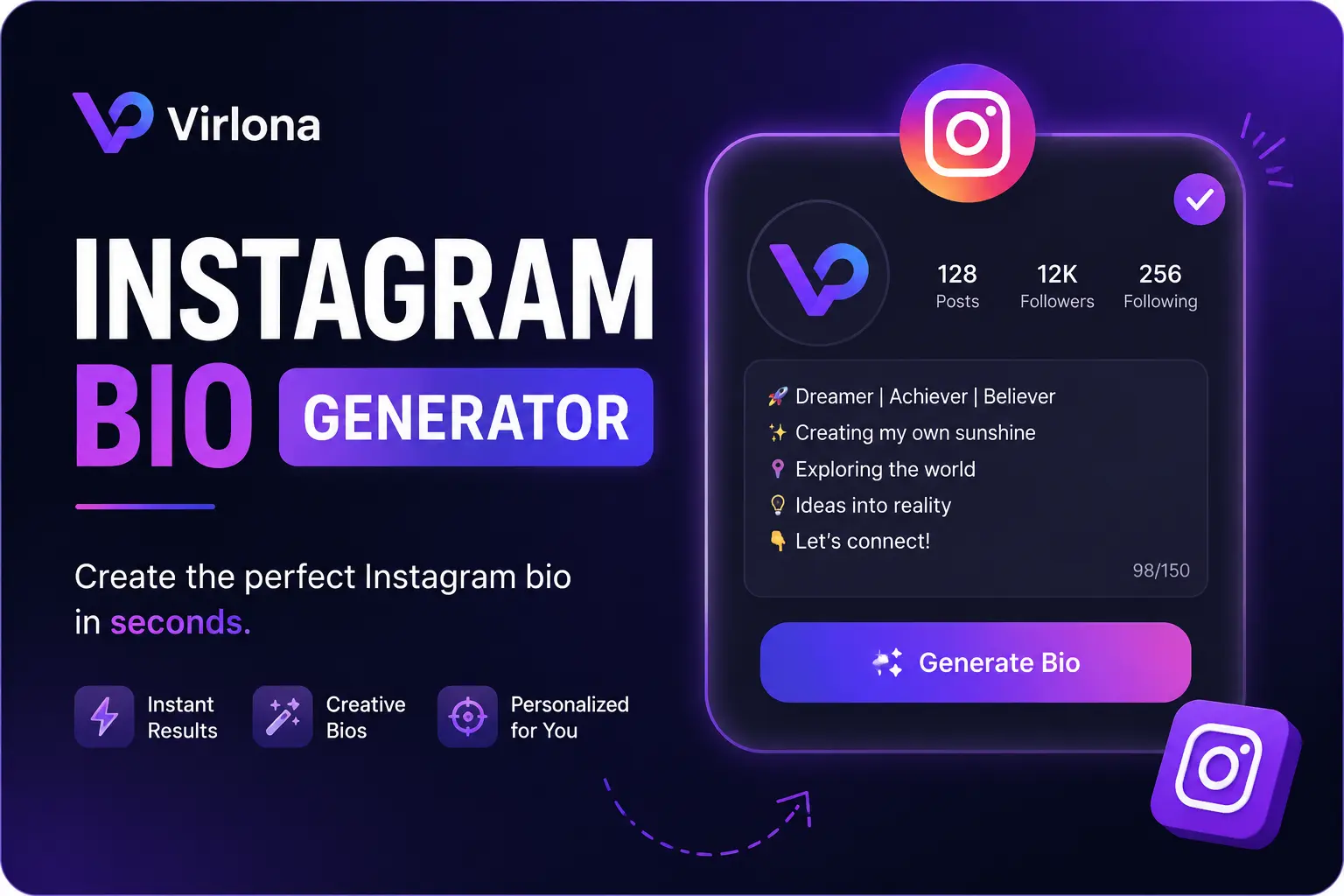
I always loved sharing content on Instagram, but crafting the perfect profile bio used to feel like a massive chore. I wanted something that truly reflected my personality, brand, and style. Yet, I struggled to get the phrasing just right. That was when I found the Instagram Bio Generator on Virlona. It completely changed how I build my social media profile.
Now, my profile bio looks clean, stays within the limit, and tells people exactly who I am. In this guide, I will share why a strong profile summary matters, how I use the online creator tool, and easy tricks to help your profile stand out.
Why Your Instagram Bio Matters Fast
When I first started posting on Instagram, I did not think much about my bio. I soon realized it is the first item a person sees when they visit my profile page. A strong introduction helps you succeed in key areas.
First Impressions: You gain a brief window to show visitors your value.
Identity: A clean bio tells people your specific field or hobbies.
Action: It prompts new users to hit the follow button or click your link.
Growth: Clear wording makes your profile easier to find in search results.
Instead of staring at a blank screen for hours, I now use an automated creator tool. It gives me multiple options in seconds.
How the Virlona Instagram Bio Generator Helps Me
The Instagram Bio Generator keeps my daily workflow simple. I enter a few details about my work, my interests, or my style. Then, the tool builds a list of text options. Here are the reasons I use this tool constantly:
Speed: I stop wasting time trying to write text from scratch.
Ideas: The system creates unique angles that I would never think of alone.
Variety: It builds professional text, funny text, or motivational text depending on my mood.
Edits: I can quickly add my own emojis or change words to make the text match my voice.
The tool ensures my profile looks clean while staying completely true to my personal brand.
Step-by-Step Guide to Creating Your Bio
Building a great profile description takes less than two minutes. I follow these clear steps to get the best results.
Step 1: Pick Your General Vibe
I decide what mood fits my profile best. I choose if the text should be funny, serious, professional, or simple. The tool reads this choice to set the voice of the final text.
Step 2: Input Your Core Details
I type in my specific job title, my main hobbies, or a favorite motto. Adding these exact terms makes the results highly accurate.
Step 3: Check the Results
The tool displays a list of options. I read each line to see which option matches my personal goal.
Step 4: Make Quick Changes
I select the best text and add specific details. I paste in a few emojis or a direct link callout to make it punchy.
Step 5: Update Your Instagram Page
I copy the text and paste it directly into my Instagram account settings. I always check the layout on my phone because mobile layout readability is the most critical factor.
Tips to Make Your Profile Bio Stand Out
I have tested dozens of different styles on my profile. These specific strategies deliver the best engagement:
Watch the Count: Instagram limits your text to 150 characters. I make sure every single word serves a purpose.
Use Strong Action Words: Words like “build,” “create,” or “grow” grab attention immediately.
Add Your Niche Keywords: If I am focusing on fitness or marketing, I put those exact words in the text so users find me.
Give a Clear Instruction: A simple phrase like “Click below to read” drives traffic to my main website link.
Utilize Clean Line Breaks: Bullet points make text easy to read on small screens.
Real Bio Styles You Can Use Right Now
I use the tool on Virlona to test different text styles depending on my current business goals. Here are common styles that work well:
Business Style
Digital Marketer | Building online brands | Let’s connect below 📈
Creative Style
Photographer capturing hidden moments 📸 | Based in Lahore | View my work ⬇️
Simple Style
Fitness Coach 💪 | Daily health tips | Grab my free workout plan 👇
Fun Style
Coffee enthusiast ☕ | Reading books daily 📚 | Living life simply
Why I Use Virlona for My Content Strategy
I prefer Virlona because it provides an entire ecosystem for online creators. It is not just a single tool. It is a complete platform that assists with multiple tasks.
When I need to write text for an image, I open the Caption Generator. When I want to increase my reach, I use the Hashtag Generator. If I run out of content concepts, the Post Idea Generator gives me fresh plans. The platform is fast, accessible, and requires no payment to start.
Mistakes to Drop Immediately
Many creators hurt their growth by making simple writing errors. I make sure to avoid these specific habits:
Being Too Broad: Phrases like “I love life” tell the reader nothing. I state my exact focus instead.
Cluttered Layouts: Using ten different emojis makes text hard to read. I stick to two or three clean icons.
Missing Links: If you do not include a website link, you lose web traffic. Always use your link field.
Leaving It Stale: Profiles need updates. I refresh my text every two months to match my latest work.
Advanced Tactics for Better Profile Reach
If you want to maximize your account performance, use these extra steps:
Use a Branded Tag: Put your custom hashtag in your text so users can track your specific community posts.
State a Clear Win: Mention a big milestone, like “Helping 10k students,” to build instant trust.
Match Your Name Field: Your actual handle and your name field are searchable. Put your main keyword next to your name.
Updating your profile text keeps your brand relevant and modern. Virlona makes this frequent update process seamless.
Frequently Asked Questions
Q. What is an Instagram bio generator?
An Instagram bio generator is an online tool that uses smart text systems to create short profile descriptions based on your specific job, interests, and style.
Q. Is the creator tool on Virlona free?
Yes. The profile tool on Virlona is completely free to use. You can generate multiple text options without paying a fee.
Q. Can I edit the text after it is built?
Yes. You can copy the text from the tool, paste it anywhere, change the words, and add your favorite emojis before putting it on your profile.
Q. How many characters can I use in my bio?
Instagram allows a maximum of 150 characters for your profile text. The Virlona tool creates text options that stay safely within this limit.
Q. Does a good bio increase my follower count?
Yes. A clear description tells new visitors exactly why they should follow your page, which directly improves your daily follower growth.